

Stock Replenishment Best Practices for Fulfilment Teams
Stock replenishment is one of the most important but often overlooked parts of fulfilment operations. If pick locations run empty, warehouse teams lose time, orders are delayed, and stock accuracy becomes harder to trust.
Good replenishment keeps the right products in the right locations at the right time, so pickers can fulfil orders quickly and accurately.
This guide explains stock replenishment best practices for fulfilment teams, including pick face replenishment, minimum stock levels, fast movers, replenishment triggers, and operational visibility.
What is Stock Replenishment?
Stock replenishment is the process of moving stock from reserve, bulk storage, suppliers, or another location into the place where it is needed for picking, selling, or fulfilment.
In warehouse fulfilment, replenishment often means moving products from bulk storage into active pick locations before those locations run out.
Replenishment is closely connected to inventory accuracy, picking productivity, warehouse layout, and fulfilment cost.
Why Stock Replenishment Matters
When replenishment works well, warehouse teams can pick orders smoothly without unnecessary delays.
When replenishment is weak, common problems include:
- Pick faces running empty
- Pickers wasting time searching for stock
- Failed picks
- Delayed dispatch
- Emergency stock movements
- Manual stock adjustments
- Inaccurate available stock
- Higher fulfilment cost per order
- Warehouse congestion during busy periods
Replenishment is not just a stock control task. It directly affects warehouse productivity and customer promise.
1. Separate Pick Face Stock from Reserve Stock
A pick face is the location where warehouse teams pick products for orders. Reserve stock is additional stock stored elsewhere, often in bulk or less accessible locations.
Separating pick face stock from reserve stock helps the warehouse operate more efficiently.
| Stock Area | Purpose | Operational Focus |
|---|---|---|
| Pick face | Fast access for order picking | Speed and accuracy |
| Reserve stock | Bulk or backup stock | Storage efficiency and replenishment |
The pick face should hold enough stock for normal fulfilment demand, while reserve stock supports replenishment when pick locations run low.
2. Set Minimum and Maximum Pick Face Levels
Each pick location should ideally have a minimum and maximum stock level.
The minimum level triggers replenishment before the pick face runs empty. The maximum level prevents overfilling and wasting valuable pick space.
Useful factors when setting min/max levels include:
- Average daily demand
- Peak demand
- Product size
- Pick face capacity
- Replenishment frequency
- Supplier lead time
- Order cut-off times
- Seasonality
Fast-moving products usually need higher minimum levels or more frequent replenishment.
3. Prioritise Fast-Moving Products
Fast-moving products have the biggest impact on warehouse flow.
If a fast-moving SKU runs out in the pick face, multiple orders may be delayed quickly.
For fast movers, review:
- Pick face size
- Reserve stock location
- Replenishment frequency
- Daily demand pattern
- Peak season demand
- Whether the item should be moved closer to packing
Fast movers should be reviewed as part of warehouse layout optimisation.
4. Replenish Before Locations Run Empty
Reactive replenishment creates delays because the warehouse only responds once a picker finds an empty location.
Better replenishment is proactive. It identifies low stock before the pick face runs out.
Proactive replenishment helps reduce:
- Failed picks
- Picker waiting time
- Emergency stock searches
- Manual workarounds
- Dispatch delays
- Stock confusion
The aim is to keep pickers picking, not searching for stock.
5. Use Replenishment Triggers
Replenishment triggers tell the warehouse when stock needs to be moved into a pick location.
Common triggers include:
- Stock falls below minimum level
- Scheduled daily replenishment
- Orders allocated for future waves
- Fast-moving SKU demand spike
- Peak season temporary demand
- Failed pick or low-stock exception
- Marketplace or promotional activity
Trigger-based replenishment is more reliable than relying on memory or informal checks.
6. Replenish Around Pick Waves
If your warehouse uses wave picking, replenishment should be planned before order waves are released.
Before releasing a wave, check whether the pick faces have enough stock to complete the work.
This is especially important for:
- High-volume waves
- Marketplace SLA orders
- Promotional products
- Carrier cut-off waves
- Single-SKU bulk orders
- Peak season waves
For more on picking approaches, read: Picking Methods Explained: Single, Batch, Zone and Wave Picking.
7. Keep Reserve Stock Easy to Find
Replenishment becomes slow and unreliable when reserve stock is hard to locate.
Reserve stock should be clearly labelled, accurately recorded, and easy for replenishment teams to access.
Good reserve stock control includes:
- Clear location references
- Barcode scanning where possible
- Accurate putaway
- Controlled stock movements
- Separation of damaged or quarantined stock
- Regular cycle counts
If reserve stock is unreliable, replenishment becomes guesswork.
8. Avoid Blocking Picking Flow During Replenishment
Replenishment can disrupt picking if it happens at the wrong time or in the wrong way.
For example, replenishment pallets, cages, or trolleys can block aisles, slow pickers, or create congestion around fast-moving products.
To reduce disruption:
- Schedule replenishment before busy picking windows
- Avoid blocking active pick routes
- Use clear replenishment equipment zones
- Prioritise urgent low-stock locations
- Keep bulk stock movement separate from pick flow where possible
This also helps reduce warehouse walking time and congestion.
9. Replenish Based on Demand, Not Habit
Warehouse teams often replenish based on habit: “this product usually goes there” or “we always top this location up on Monday”.
But product demand changes. Promotions, seasonality, customer behaviour, marketplace activity, and stock availability can all affect replenishment needs.
Replenishment should be reviewed using data such as:
- Sales velocity
- Pick frequency
- Order backlog
- Upcoming promotions
- Stockout history
- Failed pick reports
- Peak season demand
Demand-led replenishment helps avoid both stockouts and overfilled pick faces.
10. Track Failed Picks
Failed picks are one of the clearest signs that replenishment is not working properly.
A failed pick happens when the system expects stock to be available in a location, but the picker cannot complete the pick.
Failed picks may be caused by:
- Empty pick face
- Stock in the wrong location
- Incorrect stock record
- Unrecorded stock movement
- Damaged or quarantined stock
- Replenishment delay
Failed picks should be tracked and reviewed regularly. They are often early warning signs of wider stock accuracy issues.
11. Use Cycle Counting to Support Replenishment
Cycle counting helps ensure stock records remain reliable enough for replenishment planning.
If stock records are wrong, replenishment tasks may be created too late, too early, or for stock that does not physically exist.
Cycle counting should focus on:
- Fast-moving SKUs
- Problem pick locations
- Products with recent failed picks
- High-value stock
- Stock with frequent adjustments
- Products with high return activity
Related guide: Cycle Counting vs Annual Stock Takes.
12. Prepare Replenishment for Peak Season
Peak season creates additional replenishment pressure because products move faster and order volumes increase.
Before peak periods, review:
- Fast-moving SKUs
- Temporary pick faces
- Pick face capacity
- Reserve stock locations
- Replenishment staffing
- Packaging and consumables
- Promotional product demand
- Carrier cut-off waves
During peak, replenishment should be monitored more frequently and tied closely to order priority and pick wave planning.
Related guide: How to Manage Peak Season Fulfilment.
Stock Replenishment Checklist
| Area | Best Practice |
|---|---|
| Pick face | Separate active pick stock from reserve stock |
| Min/max levels | Set minimum and maximum quantities by SKU and location |
| Fast movers | Give high-volume products priority locations and replenishment rules |
| Triggers | Use low-stock, demand, wave, or schedule-based replenishment triggers |
| Reserve stock | Keep reserve stock accurately located and easy to find |
| Flow | Avoid blocking active picking routes during replenishment |
| Failed picks | Track failed picks and investigate root causes |
| Cycle counts | Use cycle counting to support reliable replenishment planning |
How Replenishment Affects Fulfilment Performance
Good replenishment improves fulfilment performance by keeping products available in the right locations when pickers need them.
It helps improve:
- Picking productivity
- Order accuracy
- On-time dispatch
- Inventory accuracy
- Warehouse flow
- Labour efficiency
- Peak season resilience
Replenishment should therefore be reviewed alongside wider fulfilment KPIs.
How Technology Supports Stock Replenishment
Technology helps replenishment by giving teams visibility of stock levels, pick face quantities, reserve stock, demand, failed picks, and warehouse tasks.
A WMS or fulfilment platform can support:
- Min/max replenishment rules
- Low-stock alerts
- Pick face visibility
- Reserve stock tracking
- Barcode scanning
- Replenishment task generation
- Wave-based replenishment checks
- Failed pick reporting
- Stock movement audit trails
To understand how WMS capability supports warehouse execution, read: OMS vs WMS: What’s the Difference?.
How Modulus365 Helps with Stock Replenishment
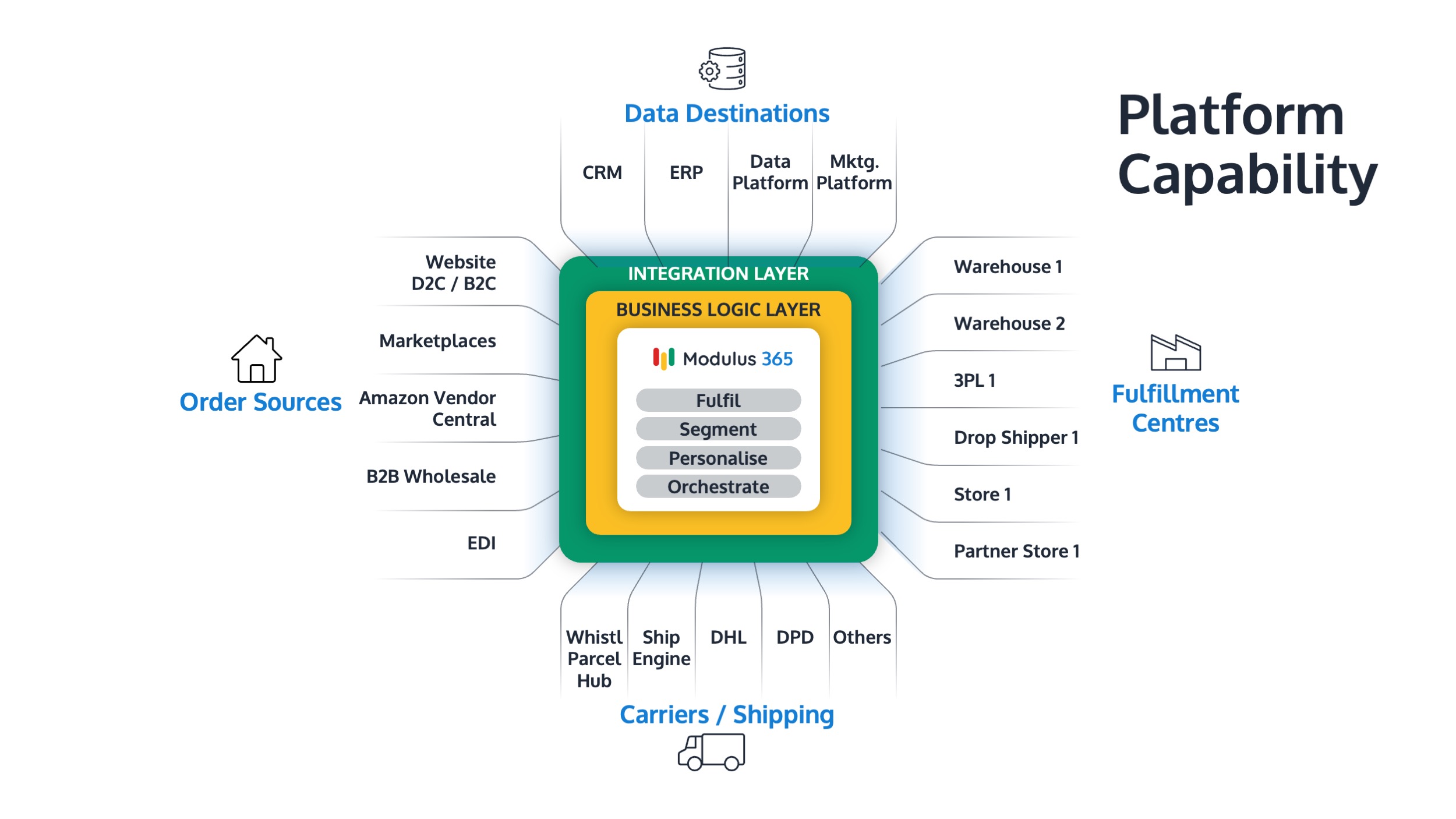
Modulus365 helps businesses connect inventory visibility, warehouse workflows, order orchestration, barcode scanning, carrier integrations, and fulfilment reporting.
By giving teams better visibility of stock, order demand, warehouse activity, and fulfilment priorities, Modulus365 can help fulfilment teams manage replenishment more proactively.
For Sage businesses, Modulus365 can work alongside the ERP as the fulfilment operations layer.
👉 Learn more about Modulus365 for Sage.
Related FOA Guides
Stock replenishment keeps pick faces full, reduces failed picks, improves warehouse flow, and protects fulfilment performance. These related guides explain the wider operational context:
- Inventory Accuracy: Why It Breaks and How to Fix It
- Available Stock vs Physical Stock vs Allocated Stock
- Warehouse Layout Optimisation for Faster Fulfilment
- How to Reduce Warehouse Walking Time
- Picking Methods Explained: Single, Batch, Zone and Wave Picking
- Barcode Scanning in Warehouse Operations
- Cycle Counting vs Annual Stock Takes
- How to Manage Peak Season Fulfilment
Ready to Improve Stock Replenishment?
If empty pick faces, failed picks, manual stock movement, or poor stock visibility are slowing your fulfilment operation, Modulus365 can help bring more control into inventory and warehouse workflows.
Frequently Asked Questions
What is stock replenishment?
Stock replenishment is the process of moving stock from reserve, bulk storage, suppliers, or another location into the place where it is needed for picking, selling, or fulfilment.
What is pick face replenishment?
Pick face replenishment is the process of moving stock into active picking locations before those locations run empty.
Why is stock replenishment important?
Stock replenishment is important because it keeps pick locations stocked, reduces failed picks, improves fulfilment speed, protects stock accuracy, and reduces warehouse disruption.
How do you improve warehouse replenishment?
You can improve replenishment by setting min/max pick face levels, using replenishment triggers, prioritising fast-moving SKUs, tracking failed picks, and using accurate reserve stock locations.
How does replenishment affect picking?
Replenishment affects picking because empty or poorly stocked pick faces cause failed picks, delays, manual searches, and reduced picking productivity.