

Backlog Management: How to Recover Without Panic
Backlog is one of the clearest signs that a fulfilment operation is under pressure. A small backlog can be manageable, but if it is not controlled quickly, it can grow into missed dispatch promises, customer service pressure, warehouse stress, and operational chaos.
Good backlog management is not about asking everyone to work faster. It is about understanding the backlog, prioritising work properly, communicating clearly, and rebuilding control step by step.
This guide explains how to manage fulfilment backlog, recover delayed orders, and reduce the risk of backlog returning.
What is Backlog Management?
Backlog management is the process of identifying, prioritising, processing, and clearing orders or tasks that have not been completed within the expected timeframe.
In fulfilment operations, backlog usually refers to orders waiting to be picked, packed, dispatched, replenished, checked, or resolved.
Backlog management answers one key question: what should we clear first, and how do we recover without creating more problems?
If you are new to fulfilment processes, start with: What is Fulfilment Operations?
Why Fulfilment Backlog Happens
Backlog usually appears when incoming work exceeds operational capacity, or when exceptions block normal order flow.
Common causes include:
- Unexpected order volume increases
- Peak season demand
- Stock inaccuracies or failed picks
- Carrier collection issues
- Labour shortages
- System or integration delays
- Poor order prioritisation
- Manual workarounds
- Packing bench bottlenecks
- High return volumes
Backlog is rarely just a warehouse problem. It often reveals weaknesses across order management, stock control, warehouse execution, carrier flow, and customer communication.
Why Backlog Must Be Managed Carefully
When backlog appears, the natural reaction is often to push everything through as quickly as possible. That can make things worse.
Poor backlog recovery can cause:
- More picking errors
- Incorrect order prioritisation
- Missed carrier cut-offs
- Customer complaints
- Extra split shipments
- Unplanned overtime
- Higher fulfilment cost per order
- Loss of confidence across the team
The goal is not just to clear orders. The goal is to clear the right orders in the right sequence while protecting accuracy and service levels.
1. Get a Clear View of the Backlog
The first step is to understand the backlog properly.
Do not treat all delayed orders as one big pile. Break the backlog down into useful categories.
Review backlog by:
- Order age
- Sales channel
- Customer type
- Delivery promise
- Carrier service
- Warehouse or fulfilment location
- Stock availability
- Order value
- Reason for delay
- Exception type
This allows the team to make better decisions instead of reacting emotionally to the biggest visible problem.
2. Separate Normal Backlog from Exception Backlog
Not all backlog should be handled the same way.
Some orders are delayed because the warehouse has not had enough time to pick and pack them. Others are delayed because there is a specific issue that needs resolution.
| Backlog Type | Example | Best Response |
|---|---|---|
| Normal fulfilment backlog | Orders waiting to be picked or packed | Prioritise and process through warehouse flow |
| Stock exception backlog | Failed picks or missing stock | Investigate inventory and decide hold, split, or cancel |
| Carrier backlog | Packed orders missed collection | Rebook, reroute, or prioritise next collection |
| Customer exception backlog | Address issue or payment check | Resolve through customer service workflow |
| Returns backlog | Returned goods awaiting inspection | Process separately from outbound orders |
Separating backlog types prevents exception orders from blocking normal fulfilment flow.
3. Define Triage Rules
Backlog recovery needs clear triage rules.
Triage helps decide which orders should be processed first based on business impact, customer promise, and operational reality.
Useful triage rules include:
- Oldest orders first where service has already been missed
- Premium delivery orders before standard orders
- Marketplace SLA-critical orders before lower-risk channels
- High-value or key account orders where appropriate
- Orders with complete stock before orders with stock issues
- Orders close to carrier cut-off before later service windows
- Simple orders where quick wins help reduce volume quickly
These rules should be agreed by operations, customer service, and commercial teams so everyone understands the recovery plan.
For the wider decision-making layer, read: What is Order Orchestration?
4. Protect Carrier Cut-Offs
Backlog recovery must work around carrier cut-off times.
If the team picks and packs orders too late for collection, the backlog simply moves from warehouse backlog to dispatch backlog.
Review:
- Carrier collection times
- Final label generation times
- Service-level commitments
- Carrier capacity limits
- Backup carrier options
- Weekend or extended collection availability
Orders should be released in waves that match realistic dispatch windows.
5. Use Recovery Waves
Recovery waves are controlled batches of work released into the warehouse to clear backlog in a structured way.
Instead of releasing all overdue orders at once, group them by priority.
Example recovery wave structure:
| Wave | Order Type | Goal |
|---|---|---|
| Wave 1 | Oldest SLA-critical orders with stock available | Protect customer promise and reduce risk |
| Wave 2 | Premium delivery and marketplace orders | Protect high-impact channels |
| Wave 3 | Simple single-line orders | Reduce backlog volume quickly |
| Wave 4 | Complex multi-line orders | Process with stronger checks |
| Wave 5 | Exception orders | Resolve through separate workflow |
Wave planning helps the warehouse recover in a controlled sequence rather than creating more congestion.
Related guide: Picking Methods Explained: Single, Batch, Zone and Wave Picking
6. Avoid Mixing Problem Orders into Normal Flow
Problem orders can slow the whole operation down if they stay inside normal fulfilment flow.
Examples include:
- Missing stock
- Address errors
- Payment holds
- Fraud checks
- Damaged item replacement
- Customer service clarification
- Carrier service unavailable
Create a separate exception queue so the main warehouse team can keep processing orders that are ready to fulfil.
This also makes it easier for customer service or operations managers to resolve blocked orders without disrupting pickers and packers.
7. Balance Picking and Packing Capacity
During backlog recovery, it is common to increase picking activity but forget packing capacity.
If pickers create work faster than packers can process it, the backlog simply moves to the packing bench.
Review:
- Orders waiting to pick
- Orders picked but not packed
- Packing bench capacity
- Label printer availability
- Packaging stock
- Carrier cut-off times
- Completed parcel staging space
For more detail, read: How to Improve Packing Bench Efficiency
8. Protect Accuracy While Recovering
Backlog creates pressure. Pressure creates mistakes.
Do not remove all checks just to move faster. That can create wrong items, returns, refunds, replacement shipments, and more customer service work.
Maintain key accuracy controls such as:
- Barcode scanning
- Packing checks
- Location validation
- Separate exception handling
- Quality checks for high-value orders
- Clear rules for substitutions and split shipments
Related guide: How to Improve Warehouse Picking Accuracy
9. Communicate Early and Clearly
Backlog is easier to manage when communication is honest and proactive.
Customer service teams need clear information so they can respond consistently. Customers need realistic updates when delivery promises are at risk.
Internal communication should cover:
- Current backlog volume
- Oldest order age
- Channels affected
- Carrier risks
- Stock-related issues
- Recovery plan
- Expected clearance timeline
- Customer communication approach
External communication may include:
- Updated delivery expectations
- Delay notifications
- Revised cut-off dates
- Tracking updates
- Clear apology and next steps where needed
Good communication reduces uncertainty and prevents customer service teams from being overwhelmed.
10. Track Backlog KPIs Daily
Backlog should be measured as part of daily fulfilment control.
Useful backlog KPIs include:
- Total backlog orders
- Backlog by age
- Backlog by sales channel
- Backlog by warehouse
- Backlog by reason code
- Orders picked but not packed
- Orders packed but not dispatched
- Exception order count
- Oldest unfulfilled order
- Backlog cleared per hour or per shift
These should sit alongside wider fulfilment KPIs.
11. Review Stock Accuracy Before Releasing Work
Backlog recovery fails when orders are released into the warehouse but stock is not actually available.
Before releasing large waves, check:
- Stock availability
- Failed pick history
- Problem SKUs
- Recently adjusted products
- Returned stock awaiting inspection
- Quarantined or damaged stock
Strong inventory visibility helps teams avoid wasting time on orders that cannot be fulfilled.
Related guide: Inventory Accuracy: Why It Breaks and How to Fix It
12. Stop the Backlog Returning
Once the backlog is cleared, review why it happened.
Ask:
- Did demand exceed forecast?
- Was labour planning realistic?
- Did stock accuracy fail?
- Were carrier cut-offs missed?
- Was packing capacity too low?
- Were too many orders handled manually?
- Did system delays or integrations cause problems?
- Were order priority rules unclear?
Backlog recovery should always lead to process improvement. Otherwise, the same backlog will return during the next busy period.
Backlog Recovery Checklist
| Step | Action |
|---|---|
| Understand backlog | Break it down by age, channel, reason, warehouse, and priority |
| Separate exceptions | Move blocked orders out of normal fulfilment flow |
| Define triage rules | Prioritise by SLA, age, customer type, stock, and carrier cut-off |
| Use recovery waves | Release work in controlled batches |
| Protect accuracy | Keep scanning, packing checks, and exception controls in place |
| Communicate | Give internal teams and customers clear updates |
| Measure | Track backlog volume, age, reason, and clearance rate |
| Fix root causes | Review why backlog happened and prevent repeat issues |
Backlog Management During Peak Season
Backlog risk increases sharply during peak periods such as Black Friday, Christmas, promotional campaigns, seasonal spikes, and wholesale order cycles.
During peak, backlog management should be reviewed several times per day, not only at the end of the shift.
Peak backlog control should include:
- Morning backlog review
- Midday carrier cut-off review
- Afternoon dispatch risk check
- End-of-day exception review
- Customer service update loop
For broader peak planning guidance, read: How to Manage Peak Season Fulfilment
How Technology Helps with Backlog Management
Technology helps backlog management by giving teams better visibility of order status, stock availability, warehouse workload, exceptions, and dispatch risk.
A fulfilment platform can support:
- Backlog dashboards
- Order priority rules
- Wave planning
- Exception queues
- Inventory visibility
- Picking and packing status
- Carrier integration
- Customer service visibility
- Fulfilment KPI tracking
To understand how OMS and WMS capability work together, read: OMS vs WMS: What’s the Difference?
How Modulus365 Helps with Backlog Management
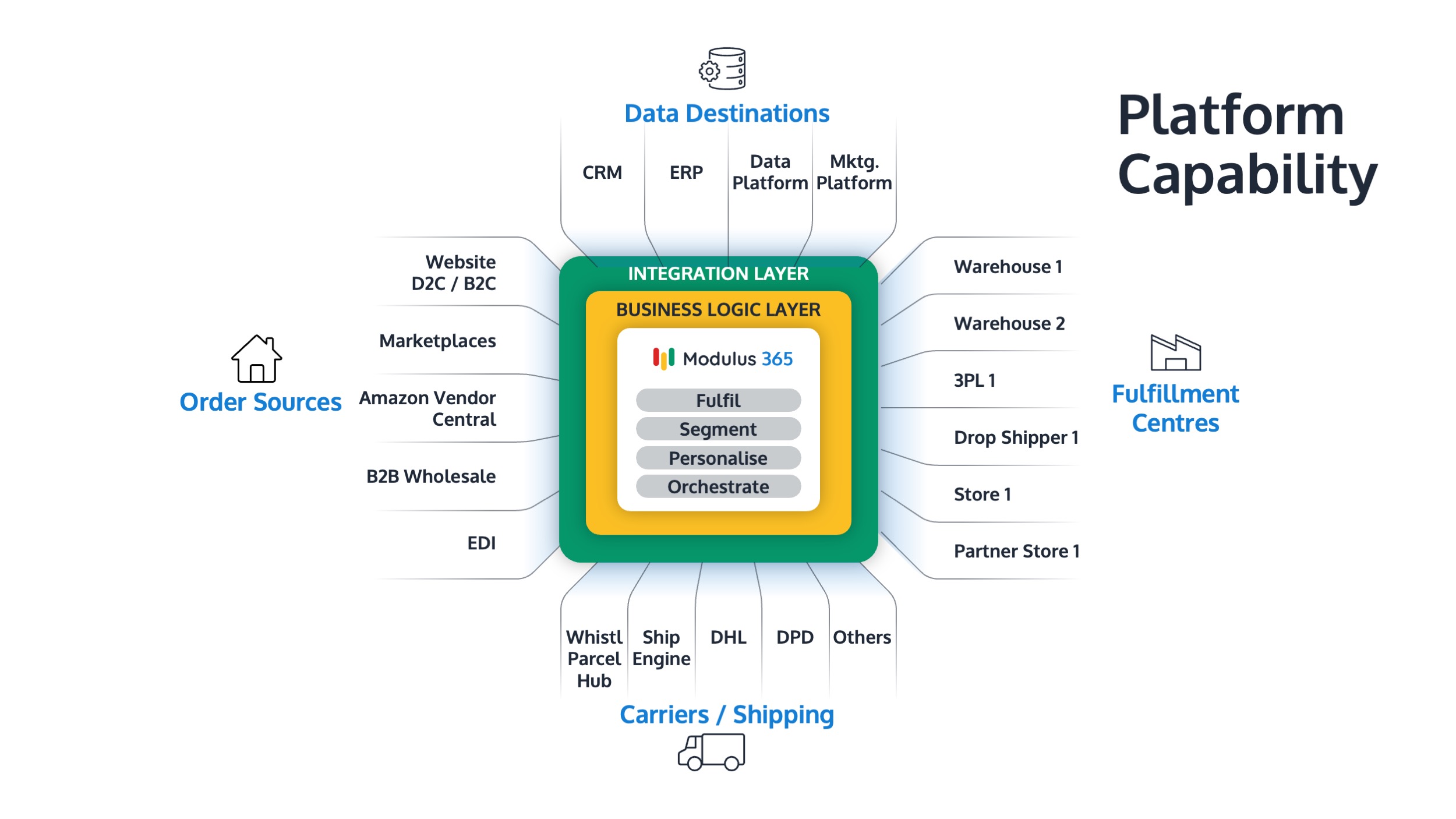
Modulus365 helps businesses connect order orchestration, warehouse workflows, inventory visibility, carrier integrations, exception handling, and fulfilment reporting.
By giving operations teams a clearer view of orders, stock, warehouse progress, and dispatch status, Modulus365 helps businesses manage backlog more calmly and recover with better control.
For Sage businesses, Modulus365 can work alongside the ERP as the fulfilment operations layer.
👉 Learn more about Modulus365 for Sage.
Related FOA Guides
Backlog management depends on order prioritisation, stock accuracy, packing capacity, dispatch control, and clear fulfilment KPIs. These guides will help you recover and prevent future delays:
- How to Prioritise Orders in a Busy Warehouse
- How to Improve Dispatch Performance
- How to Improve Packing Bench Efficiency
- Inventory Accuracy: Why It Breaks and How to Fix It
- How to Prevent Overselling Across Sales Channels
- Split Shipments: When to Use Them and When to Avoid Them
- How to Manage Peak Season Fulfilment
- Fulfilment KPIs Every Operations Leader Should Track
Ready to Bring Backlog Under Control?
If backlog, delayed orders, exceptions, or dispatch pressure are making fulfilment harder to manage, Modulus365 can help bring order flow, warehouse execution, stock visibility, and operational reporting into one connected platform.
Frequently Asked Questions
What is backlog management in fulfilment?
Backlog management is the process of identifying, prioritising, processing, and clearing orders or fulfilment tasks that have not been completed within the expected timeframe.
What causes fulfilment backlog?
Fulfilment backlog can be caused by demand spikes, labour shortages, stock inaccuracies, carrier delays, packing bottlenecks, system issues, poor prioritisation, or high exception volumes.
How do you clear fulfilment backlog?
You clear fulfilment backlog by understanding backlog age and reason, separating exceptions, defining triage rules, using recovery waves, protecting accuracy, and communicating clearly with teams and customers.
How should delayed orders be prioritised?
Delayed orders should be prioritised based on age, delivery promise, customer type, sales channel, carrier cut-off, stock availability, and service-level risk.
How can technology help with backlog management?
Technology helps by providing backlog dashboards, order priority rules, exception queues, stock visibility, warehouse progress tracking, carrier integration, and fulfilment KPI reporting.